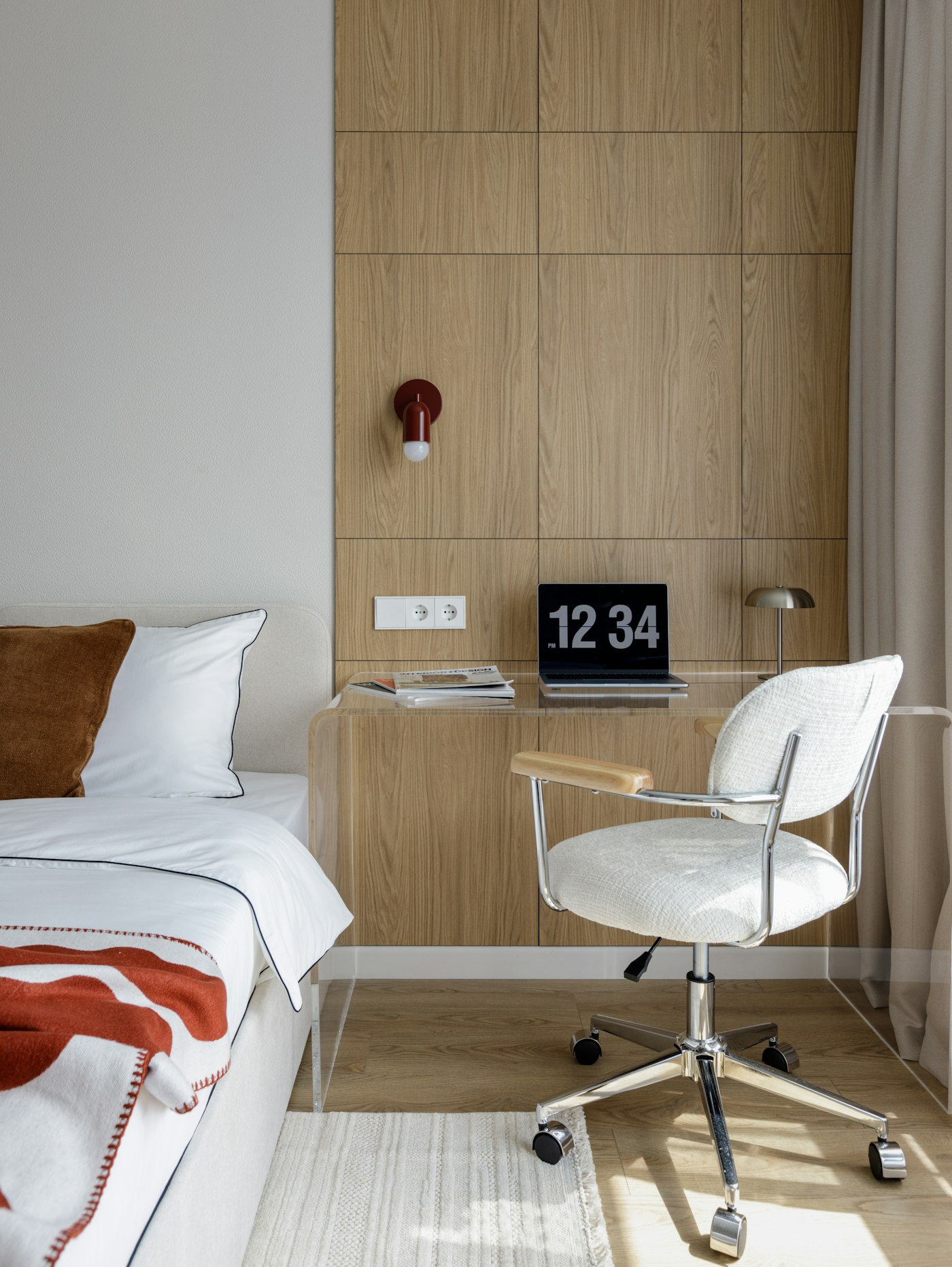
Your desk is a corner of the bedroom, or the end of the kitchen table. By mid-afternoon your neck aches from looking down at a laptop. Bins and a printer are crammed under the desk, so your feet never have a good spot. And at 7 p.m. the work is still sitting there, a few steps from where you sleep.
Most small home office advice is about fitting in more furniture. This guide starts somewhere else: with your body and your day. What should be in front of you, what should never be under the desk, where the window should be, and how to actually finish work when the office and the bedroom are the same room.
Idea 1: raise the screen, not your shoulders
OSHA's workstation guide says to place the monitor directly in front of you, with the top line of the screen at or below eye level, and a viewing distance of about 20 to 40 inches. [1] A laptop on a table can't do that and keep the keyboard at a good height at the same time: one of them is always wrong.
Duke University's laptop guide suggests the fix: use a separate keyboard and mouse, raise the laptop screen to eye level, and keep the keyboard and mouse at elbow height. [2]
- No stand yet? A stack of sturdy books under the laptop works as a test.
- Keep the keyboard and mouse on the same surface, within easy reach. [3]
- If you find yourself leaning in to read, try a larger text size. OSHA notes that smaller screens may need bigger text. [4]
Idea 2: keep the space under the desk empty
In a small home, the space under the desk looks like free storage. But both OSHA and Mayo Clinic say not to store things there: it takes the room your legs and feet need and makes it hard to sit correctly. [1] [3]
So the storage has to go somewhere else:
- Up: a shelf or two on the wall above or beside the desk for paper and things you use weekly. If you rent, check your lease before drilling.
- Close: only the things you use every day stay on the desk, within arm's reach. [3]
- Away: things you use once a month go to a closet or another room.
Idea 3: put the window beside you
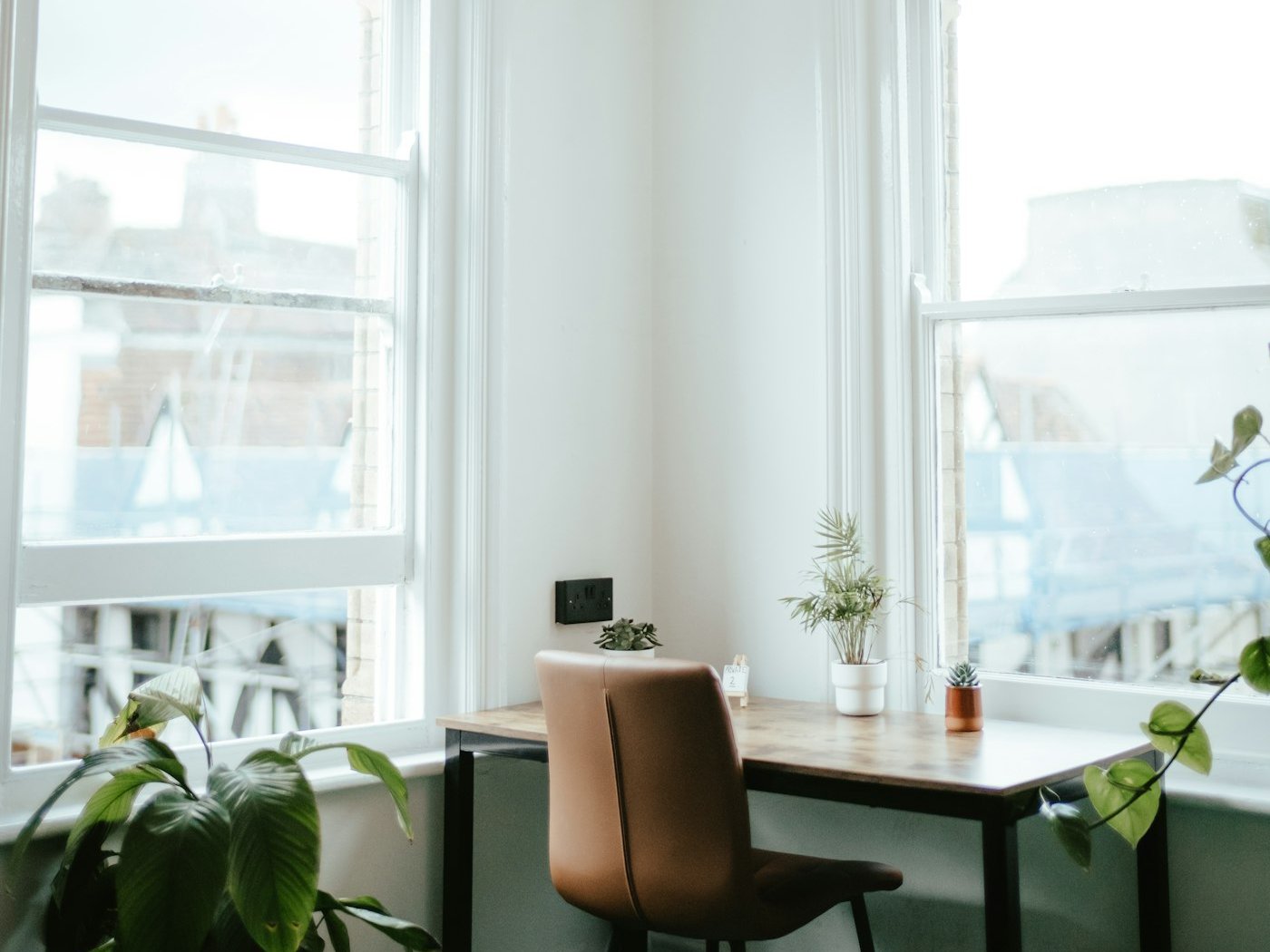
OSHA recommends placing the monitor perpendicular to the window, so the window is to your side, not behind the screen or behind you. [4] In a small room this often decides where the desk goes, so check it before you move furniture.
Idea 4: fit the chair and desk to you
Mayo Clinic's guide says your feet should rest flat on the floor or a footrest, with your thighs parallel to the floor. If the desk is too high and can't be adjusted, raise your chair and use a footrest (a small stool or a stack of sturdy books works). If the desk is too low, sturdy blocks under the legs can raise it. [3]
This matters most at a kitchen or dining table, which is built for eating, not typing. Raising the chair and adding a footrest can make it work for now. If you work from home every day, a desk you can adjust is worth considering. OSHA's guide also mentions height-adjustable desks. [1]
The surprise: in a one-room home, the hard part is stopping
A 2022 Panasonic survey in Japan asked 300 people who work from home at least three days a week about their routines. 78% said they had found it hard to switch between work and off time, and 80% said they sometimes work and relax in the same room. [5] Japanese apartments are often small, and the problem will sound familiar in any studio or shared apartment.
Our suggestion: give your work things one box or tray. When the workday ends, everything goes into it (laptop, notebook, chargers) and the box goes on a shelf or into a closet. Putting the work out of sight becomes the signal that work is over, and the desk is a normal table again.
- Pick a box that fits your laptop and chargers and nothing more.
- Do it at the same time every day, like closing a door.
- In the morning, taking the box out is the start of the workday.
Quick fixes for common problems
| The problem | Likely cause | Try this |
|---|---|---|
| Neck ache by afternoon | Looking down at a laptop screen | Raise the screen; add a separate keyboard and mouse |
| Nowhere to put your feet | Bins or a printer under the desk | Clear the space; move storage up onto the wall |
| Glare or squinting | Window behind the screen or behind you | Turn the desk so the window is to your side |
| Shoulders up while typing | Table too high for your chair | Raise the chair; add a footrest |
| Work never really ends | The work stays in sight | Pack it into one box at the end of the day |
If you only do one thing today
Pull everything out from under your desk. Sit down, put your feet flat on the floor, and notice the difference. Then find a new home for what was there, up on the wall or out of the room.
Sources
- OSHA, Computer Workstations eTool: Desks
- Duke University Occupational & Environmental Safety Office, "Laptop Ergonomics" (PDF)
- "Office ergonomics: Your how-to guide," Mayo Clinic Health Information Library (published by Koç University Hospital, a Mayo Clinic Care Network member)
- OSHA, Computer Workstations eTool: Monitors
- Panasonic, work-from-home survey, July 2022 (Japanese)
More ideas: Storage Ideas for Small Spaces That Actually Stay Organized and Closet Organization Ideas for Small Spaces.
Last updated: October 8, 2026
Photos: Aleksandra Dementeva and Annie Spratt on Unsplash